
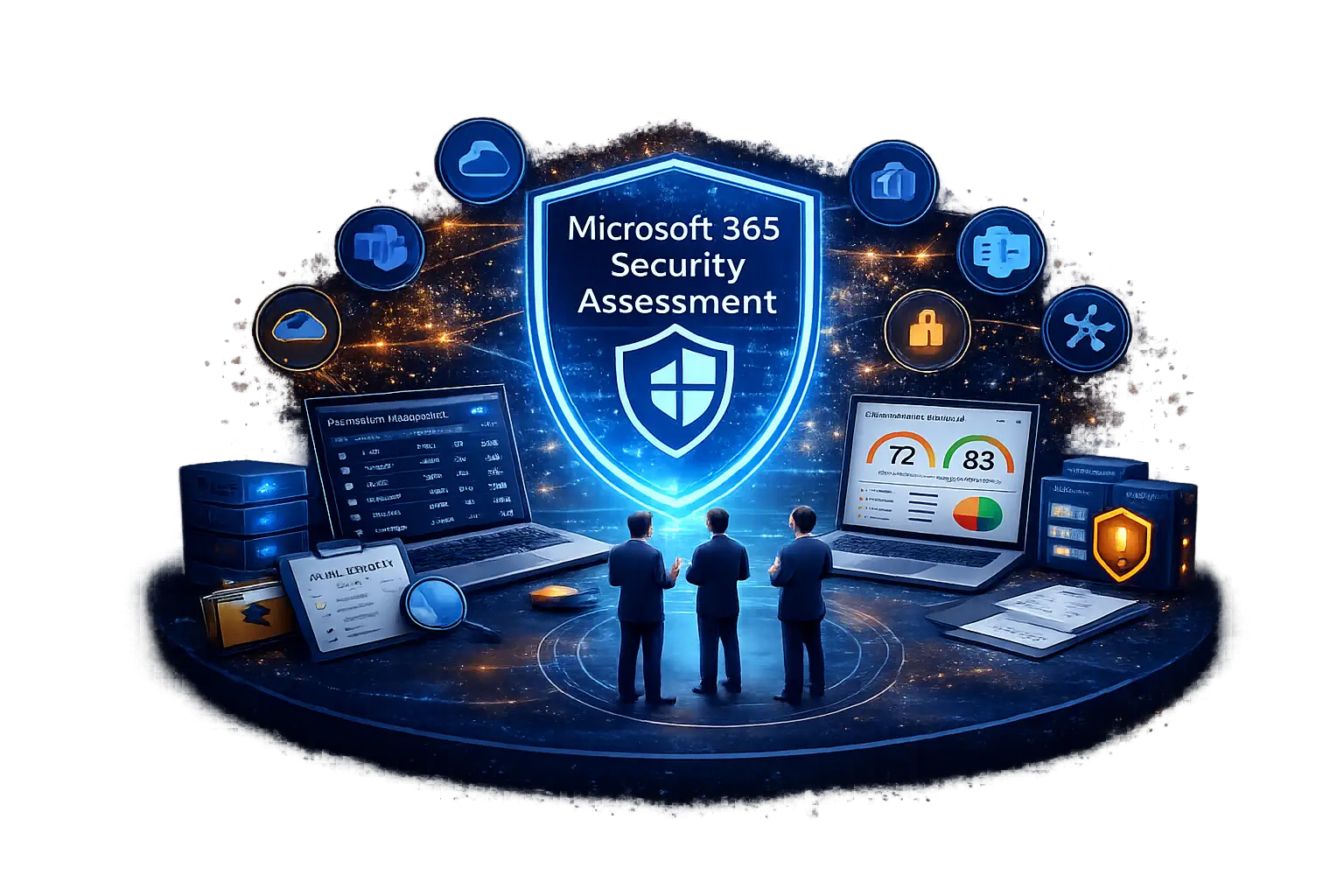
Microsoft 365 Security Assessment
Microsoft 365 Security Assessment – Identify Risk, Improve Compliance, and Strengthen Tenant Security
Misconfigurations, excessive permissions, and poor visibility leave Microsoft 365 environments vulnerable to breaches and compliance failures.
CyberStash’s Microsoft 365 Security Assessment delivers expert-led analysis across your tenant’s security, usage, and sharing posture — helping you uncover hidden risks, validate controls, and improve audit readiness with clear, actionable reporting.
Lorem ipsum dolor sit amet, consectetur adipiscing elit. Ut elit tellus, luctus nec ullamcorper mattis, pulvinar dapibus leo.
What This Assessment Delivers
CyberStash’s Microsoft 365 Security Assessment delivers expert visibility into your tenant’s risk, misconfigurations, and compliance gaps.
You’ll get clear, actionable insights that reduce uncertainty — and help you defend your environment with confidence.
Prioritised Risk Findings Across Your Tenant
See where your Microsoft 365 environment is overexposed — from privileged roles to unmonitored sharing.
Remediation Guidance Aligned to Best Practices
Every issue comes with context and clear next steps, not just raw data or tool output.
Compliance Mapping to Security Frameworks
Findings are aligned to key security controls to support audits and internal governance.
Executive Summary and Risk Scorecard
A business-friendly overview of security posture to inform stakeholders and risk owners.
Evidence of Due Diligence for Auditors
Independent validation that your Microsoft 365 environment has been assessed and aligned to security best practices — supporting audit and insurance requirements.
Visibility Gaps and Misconfigurations Leave Microsoft 365 at Risk
Microsoft 365 is powerful — but complex. Without regular review, small missteps in configuration, sharing, or role assignment can lead to serious security and compliance gaps.
Excessive Admin Roles and Privileged Access
Users with elevated rights beyond what’s needed — increasing breach and insider risk.
Uncontrolled External Sharing
Files, folders, and Teams content shared outside the organisation, often without oversight or expiry.
Inactive Accounts and Licenses
Former employees or unused licenses lingering with access or costing money.
Shadow IT and Unmanaged Risky Apps
Risky or unapproved third-party apps connected to your Microsoft 365 tenant.
Security Misconfigurations Across Core Services
Inconsistent or insecure settings in Exchange, SharePoint, OneDrive, or Teams — often missed in day-to-day operations.
Why Organisations Book This Assessment
Whether you’re preparing for an audit, responding to an incident, or simply seeking peace of mind, our Microsoft 365 Security Assessment delivers independent insight when it matters most.
Audit Preparation
Validate your Microsoft 365 environment before ISO 27001, Essential Eight, or internal audit reviews.
Annual Security or Risk Program Cycle
Use the assessment to benchmark progress, feed into your ISMS, and demonstrate proactive risk management.
Board or Executive Reporting
Provide risk owners and leadership with an objective snapshot of Microsoft 365 security posture.
Post-Incident Review
Understand how your Microsoft 365 configuration may have contributed to a breach or security event.
Independent Assurance for Risk Committees and Stakeholders
Get a trusted, third-party review to support governance, due diligence, and audit defensibility.
Merger or Restructure Visibility
Get a clear picture of user roles, data sharing, and license usage across newly integrated or restructured environments.
What’s Included in the Microsoft 365 Security Assessment
We go beyond dashboards and reports. Our assessment combines data-driven insights with expert analysis to deliver a complete picture of your Microsoft 365 risk and usage posture.
Clear, board-ready documentation plus actionable next steps for IT and GRC teams.
Findings are prioritised and aligned to ISO 27001, Essential Eight, and industry-aligned controls.
Review assigned licenses vs. actual use to identify cost-saving opportunities.
Understand how services, users, groups, and apps are being used — and where exposure exists.
Identify privileged accounts, excessive access, and role misalignment across the tenant.
Uncover files, folders, and Teams shared externally — with or without expiration or tracking.
Highlight insecure or inconsistent settings across Exchange, SharePoint, OneDrive, and Teams.
Managed SIEM for Microsoft Sentinel – 24/7 Detection, Triage & Response
Microsoft Sentinel is a powerful SIEM — but visibility alone doesn’t stop threats. Most organisations quickly discover that once Sentinel is deployed, the real challenge is operating it: reducing alert noise, validating incidents, tuning detections, and responding fast enough to prevent business impact.
CyberStash delivers a Managed SIEM for Microsoft Sentinel that transforms raw telemetry into actionable security outcomes through 24/7 monitoring, analyst-led investigation, threat hunting, and response automation. We help organisations strengthen resilience without building an internal SOC — and without leaving Sentinel to drift into dashboards and false positives.
Why Running Microsoft Sentinel Is Harder Than Deploying It
Enabling Microsoft Sentinel is straightforward. Running it effectively is not. Sentinel spans identity, endpoint, cloud, email, and SaaS — which means detection quality depends on the right data sources, the right analytics logic, and ongoing tuning as your environment changes.
Without continuous operational ownership, teams face alert overload, inconsistent triage, and gaps in coverage across Microsoft 365, Azure, Entra ID, Defender, and third-party log sources. CyberStash closes that gap by operating Sentinel as a living security capability — not a static deployment.
How CyberStash Operates Microsoft Sentinel
CyberStash follows a disciplined operating model that aligns security operations with real-world attack behaviour and enterprise expectations:
Collect → Detect → Investigate → Respond → Tune → Report.
We validate telemetry, tune analytics rules, enrich investigations with context, and deliver structured outcomes that reduce risk over time. This approach ensures Sentinel becomes more accurate, more valuable, and more aligned to your risk profile — rather than generating endless alerts.
24/7 Monitoring, Triage & Incident Investigation
Our SOC continuously monitors Microsoft Sentinel alerts and incidents across identity, endpoint, cloud workloads, email, and SaaS activity. Alerts are triaged by experienced analysts who validate suspicious behaviour, correlate activity across multiple data sources, and determine scope and impact.
Instead of forwarding every alert, we focus on delivering confirmed security incidents with clear context, recommended actions, and escalation based on business risk — helping your team act quickly and confidently.
Detection Engineering & Continuous Analytics Tuning
Strong detection outcomes require more than default rules. CyberStash continuously improves your Sentinel detections by tuning thresholds, suppressing known-benign activity, and strengthening coverage for common attacker behaviours such as credential access, persistence, lateral movement, and data exfiltration.
Our team builds and refines analytics using Sentinel-native capabilities including KQL-based detections, analytics rules, entity mapping, incident grouping, and contextual enrichment to reduce false positives and increase signal quality.
Threat Hunting for Advanced and Stealthy Attacks
Not all attacker behaviour triggers an alert. Threat hunting helps detect what analytics rules miss — including low-and-slow activity, living-off-the-land techniques, and misuse of legitimate administrative tools.
CyberStash performs proactive threat hunting using hypothesis-driven methods across Microsoft telemetry sources, helping detect threats earlier and reduce dwell time.
Response Automation & Containment Through Microsoft Security Controls
A Managed SIEM should not stop at “identify.” CyberStash supports response automation and containment using Microsoft-native controls and playbooks to accelerate action.
Where authorised, we help execute actions such as isolating endpoints, disabling compromised accounts, blocking malicious indicators, and supporting email remediation workflows — reducing time to containment and limiting blast radius during active incidents.
Microsoft Security Ecosystem Coverage
Microsoft Sentinel is most effective when integrated with Microsoft’s broader security stack. CyberStash helps maximise outcomes across Microsoft security telemetry and operational workflows, including Microsoft Defender XDR, Entra ID, Microsoft 365, and Azure.
We also support onboarding and management of relevant third-party log sources where required — ensuring unified visibility across hybrid and multi-platform environments.